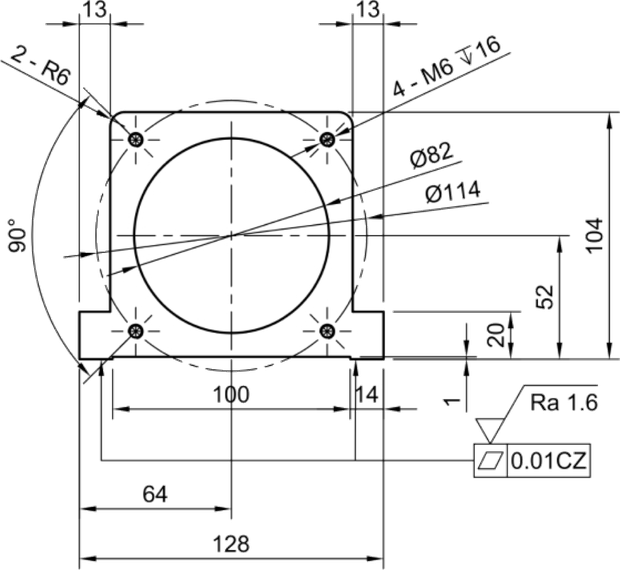
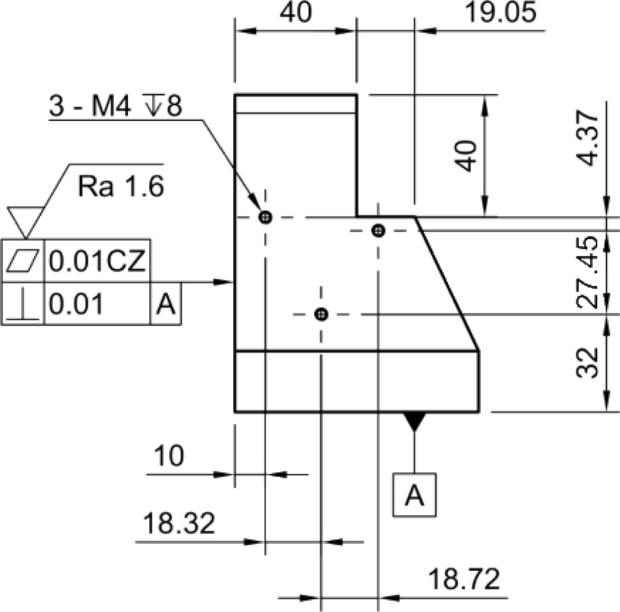
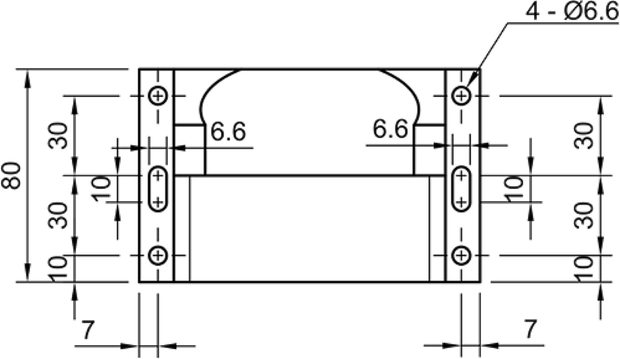
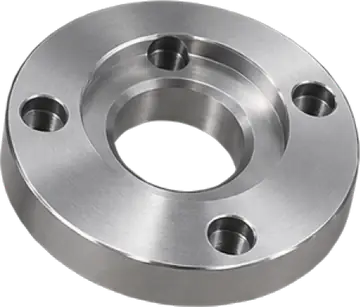
AI assistant for manufacturing
Give every drawing readeran AI assistant
CADASU understands engineering drawings, prices, quality records, processes, and shop-floor know-how.
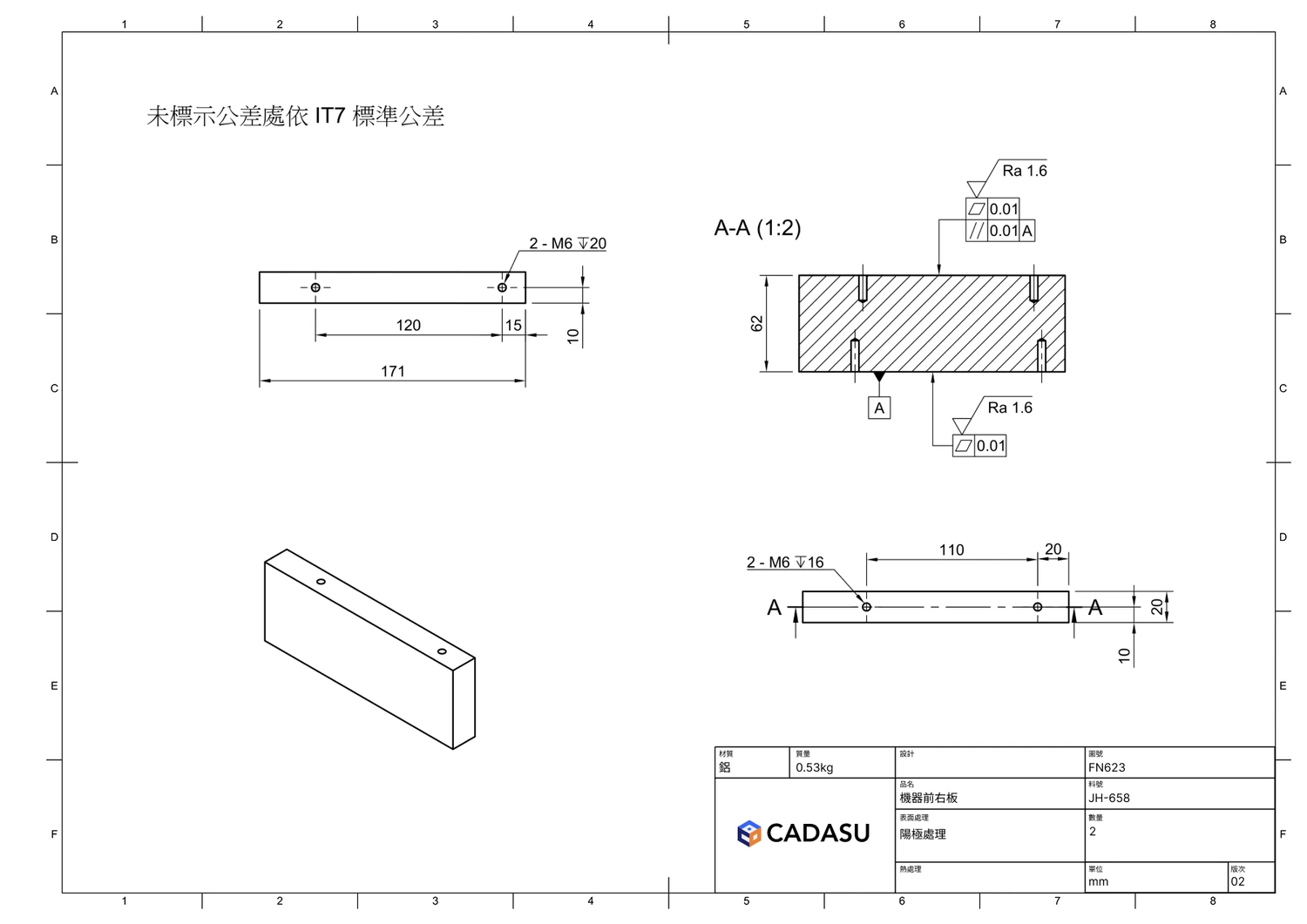
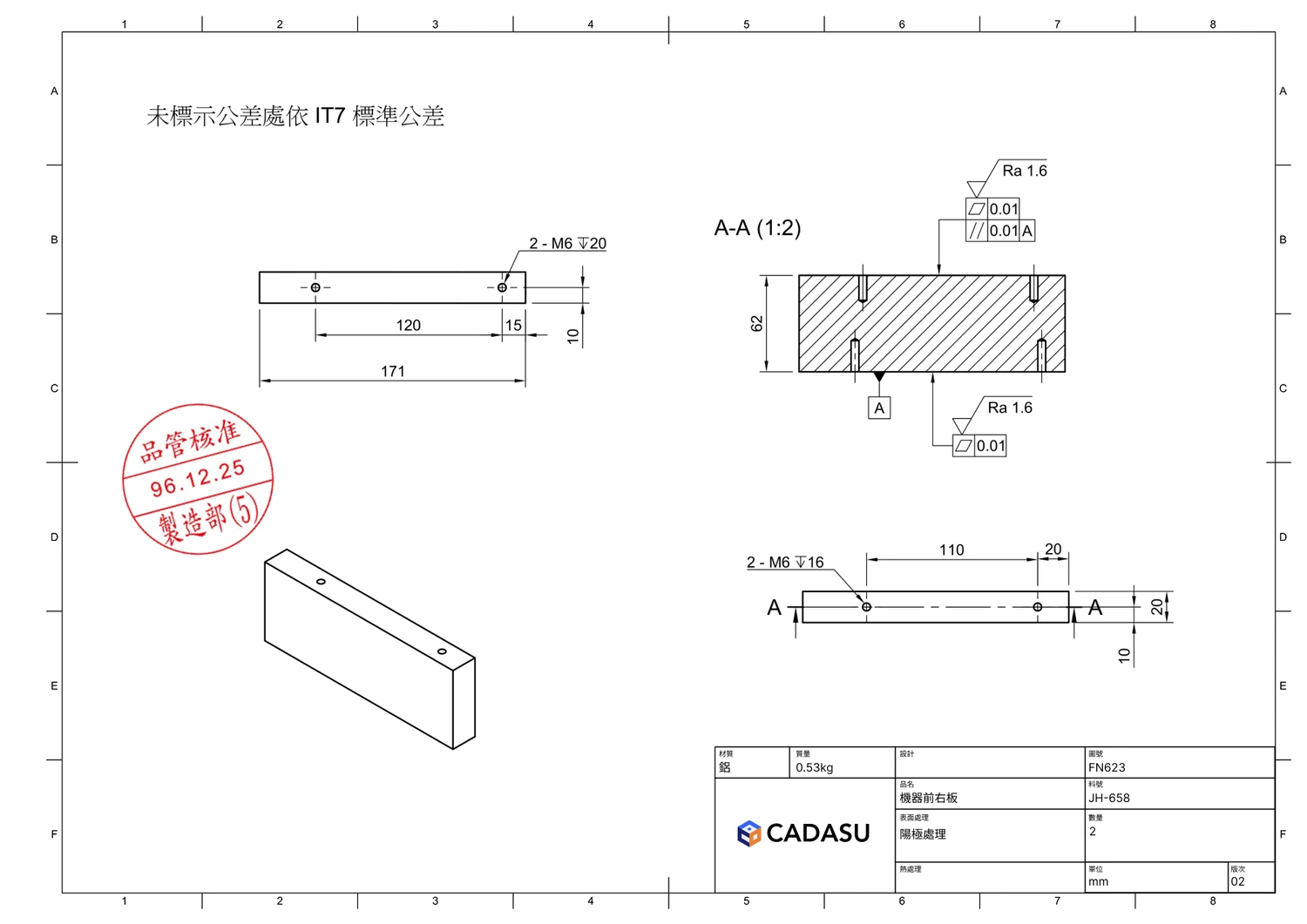
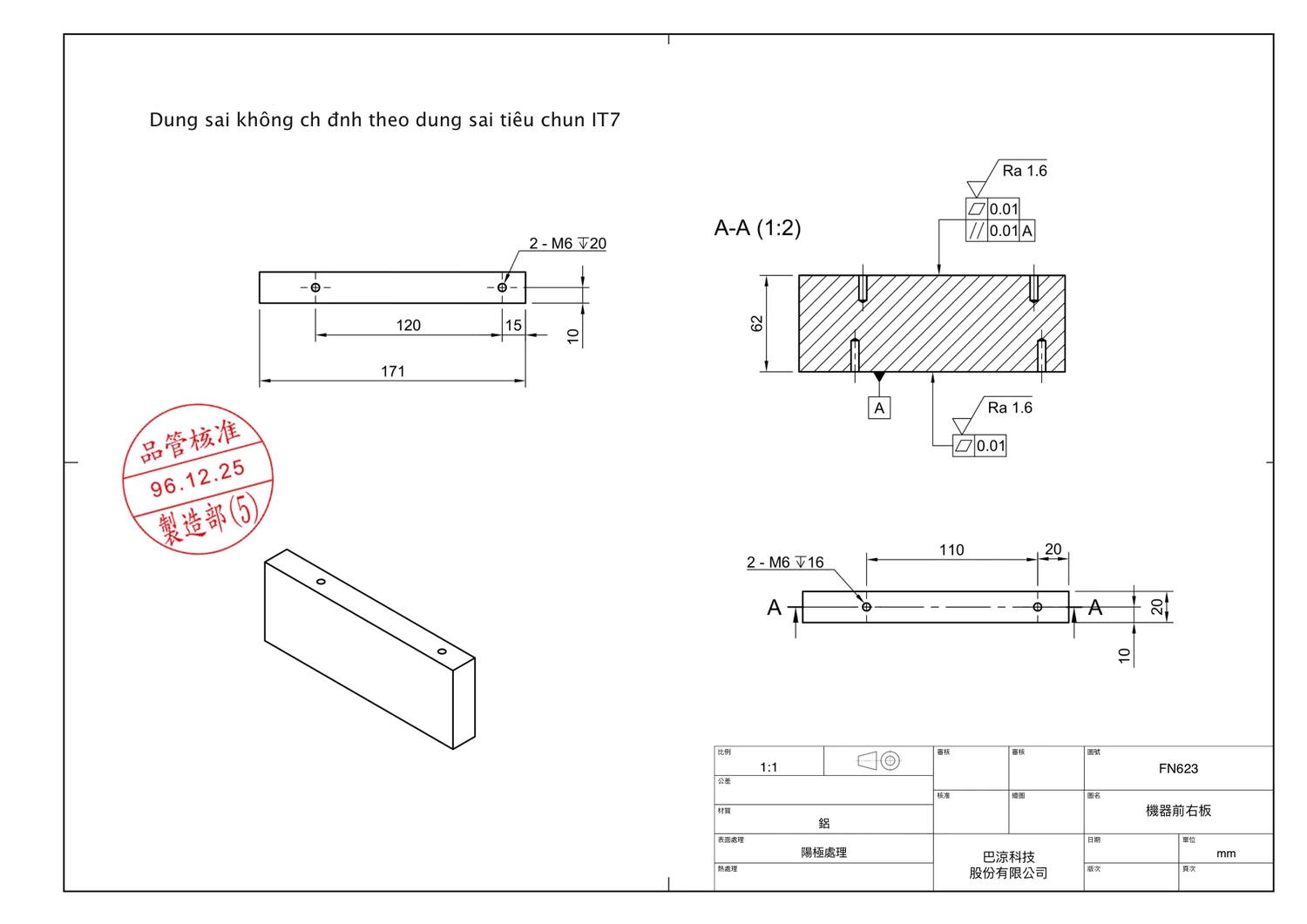
With one drawing, AI can retrieve past pricesdraft inspection datacompare revisionsfind similar partsprepare quote evidenceanswer from company history
Start with one engineering drawing and help purchasing, quality, engineering, and management finish work faster.
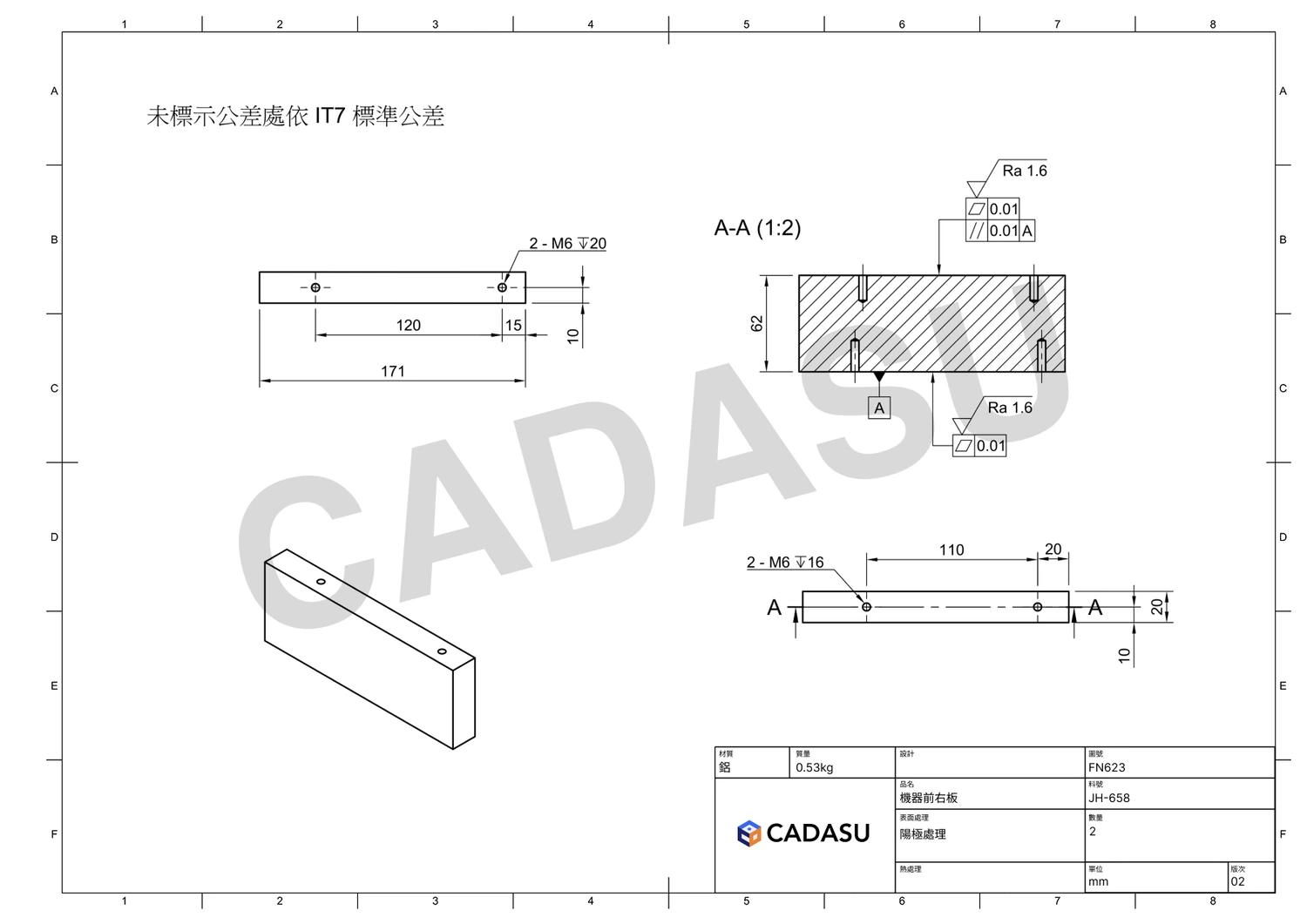
Analyzing drawing
Why Now
For AI to work in a factory, it must first understand the drawings people read every day
Engineering drawings connect price, quality, process, and experience. CADASU starts from the drawing and links AI to real manufacturing work.
Scattered data
Drawings, quotes, inspection records, and emails live in different places.
Know-how is hard to transfer
Critical judgment often exists only in the heads of experienced staff.
Too much repeated work
Searching drawings, copying tables, and comparing versions happen every day.
AI Magic
Start from engineering drawings. Put AI to work in the factory.
CADASU is not a generic chat box. It is the entry point that connects drawings to manufacturing knowledge and workflows.
Engineering drawing AI entry point
AI price lookup
Use similar parts, historical quotes, and supplier records to prepare sourcing and negotiation evidence.
View pricing featureAI quality inspection
Read dimensions, tolerances, and notes to draft inspection items, sampling lists, and forms.
View inspection featureAI revision check
Compare new and old drawings, highlighting dimension, note, and version changes.
View revision featureAI drawing search
Search similar parts, past jobs, quote records, and related documents by drawing features.
View search featureAI document drafting
Turn drawings into RFQs, quote notes, internal checklists, and customer replies.
View document featureAI company memory
Ask how similar jobs were handled, why parts were rejected, who made them, and what to watch for.
View knowledge featureAI drawing editsCustom
Assist with 2D drawing edits, title blocks, revision fields, and notation rules.
Ask about custom developmentAI 2D auto-dimensioningCustom
Auto-label dimensions, holes, process notes, and inspection points based on your drafting rules.
Ask about custom developmentFor Every Role
Every role gets an AI assistant that understands drawings
Not a dashboard only for executives. CADASU is AI that people who work with drawings can use every day.
Purchasing
Understand price context
Find past prices, similar parts, and supplier records to support RFQs and negotiation. View purchasing featureQuality
Turn drawings into data
Read dimensions, tolerances, and notes to draft inspection items and forms. View quality featureEngineering
Understand drawing changes
Search drawings, read notes, compare versions, and list items to confirm. View engineering featureSales
Reply to customers faster
Prepare drawing highlights, quote evidence, and open questions quickly. View sales featureManagement
Preserve company know-how
Make quote, quality, revision, and supplier experience searchable. View management featureProof
Not a concept. Already running in real factories.
Results are based on existing deployments and vary by data quality and workflow.
Before / After
Stop starting from manual drawing review
Partners and Support

FAQ
Questions to align before adoption
How is CADASU different from ChatGPT or Gemini?
Different AI tools are built for different jobs. ChatGPT is useful for general Q&A and writing, while CADASU is designed for engineering drawings and manufacturing workflows. It understands dimensions, tolerances, title blocks, notes, and revision information, then connects them with prices, inspection records, and company know-how.
Can we start if our data is not fully organized?
Yes. CADASU does not require every dataset to be cleaned first. Most projects start from one clear task, such as similar-drawing search, price history lookup, inspection form generation, or revision comparison, then expand the data connections over time.
Do we need to replace ERP, MES, or PDM first?
No. CADASU can begin with existing drawing files, quote sheets, inspection records, or shared folders. If needed, it can later connect with ERP, MES, PDM, or internal systems.
Which use case should we start with?
Common starting points include AI price lookup, AI inspection, AI revision comparison, and similar-drawing search. The best first task is usually frequent, time-consuming, and easy to measure.
Are engineering drawings and quote data secure?
Deployment can be planned around permissions, audit logs, encryption, and enterprise requirements. Drawings, prices, and manufacturing data should be useful to AI while remaining properly protected.
What if AI makes a wrong judgment? Will it replace engineers?
CADASU helps organize, compare, search, and draft while showing sources and items to confirm. Important decisions remain with people. AI speeds up engineering judgment; it does not replace engineering responsibility.
Start With One Drawing
See how CADASU understands a real engineering drawing
No need to clean every database first. Start from pricing, quality, revision checks, or document work.