DRAWINGS → DATA
AI that reads
Drawings
From engineering drawings to manufacturing documents, CADASU understands them all.
It handles the daily grind, removes repetitive work and makes your process faster.
The work you repeat
every single day
Quoting, inspection sheets, drawing comparison, looking things up, keying orders into the ERP, all of it daily, all of it slow. Let CADASU do it,so your people can do the work only they can do!
Drop in a new drawing and it finds the similar parts you have already made, together with what you quoted and how you machined them.
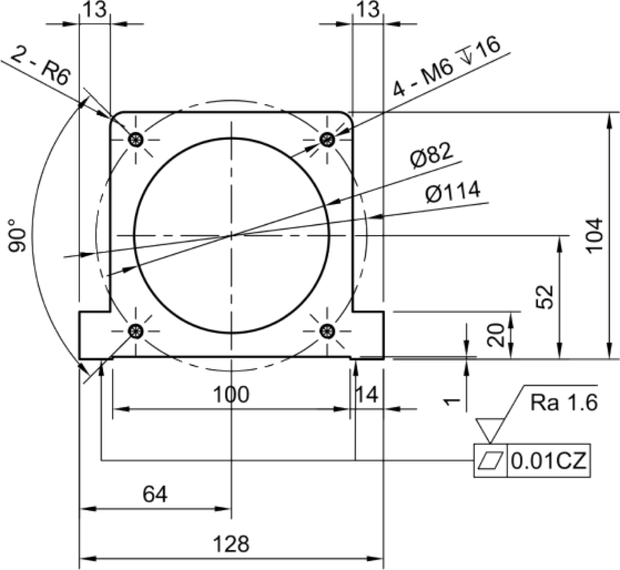
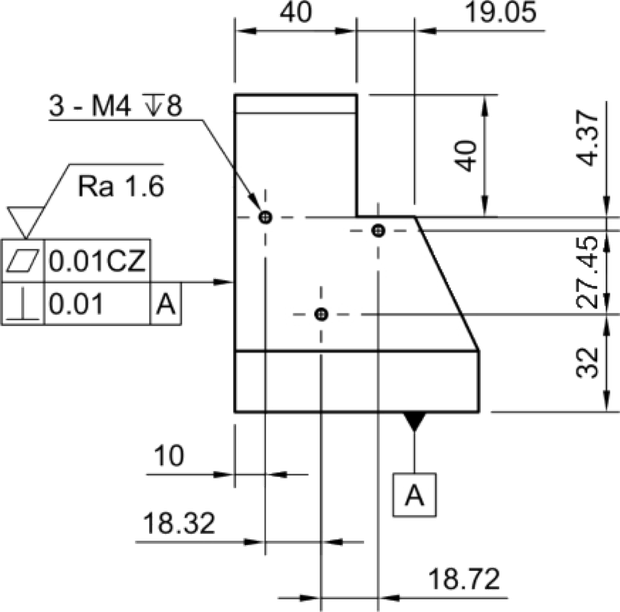
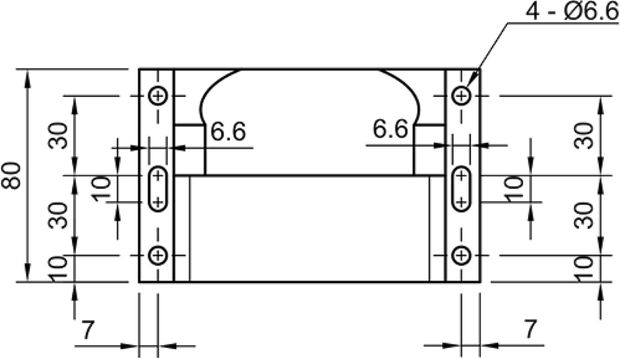
Dimensions, tolerances and requirements are extracted item by item, balloon-numbered, and written straight into a complete inspection document.
Every difference between the old and new revision, listed and marked back onto the drawing, no more comparing two sheets side by side.
Replace the title block, translate the notes, convert the units and apply the stamps in one pass, then a person approves and releases it.
Fields from orders and quotations are entered into your ERP or CRM automatically, you confirm before it submits.
Search drawings, SOPs and internal standards together. You get an answer, and you get the source: which document, which page.
And this is only part of what CADASU can do.
Nothing to roll out, nothing to learn
Up and running in three steps
The worst part of new software is making the whole company change how it works, then spending months learning it. CADASU does not touch your process, it just makes what you already do a lot faster.
01
Account set up
No hardware and no environment to build. We set the account up for you.
02
Walkthrough
We run through it with you once. That is all it takes.
03
Start using it
You will feel the difference the same week.
LIMITED OFFER
The grant covers CADASU
and pays you US$3,700 back
Adopt CADASU under the current government grant and the cost of the software is covered in full. Once your application is approved you also receive a further US$3,700。
Companies around the world
are using CADASU
Clients
& Partners
Trusted by leading manufacturers, advancing AI in this industry together.
Any country, any industry. CADASU works the same.
Our
partners

































WANT TO SEE IT
Enough explaining.
Let us just show you.
No cost and no pressure. You are welcome to bring your own drawings and put them through it. See what CADASU can actually do, then decide whether you want it.
Email service@remotenc.com, call 02-2785-6280, or find us on LINE at @cadasu
01 / When an enquiry lands
From drawing to quotation
The slow part of quoting is not the maths, it is thesearch, finding whether you have made something like it, and what you charged. Give CADASU any clue you have and it digs out both the drawing and the price.
- Search drawings by number, part code, name or material
- Pull up past quotes and enquiries for related drawings
- Search by image to find geometrically similar drawings
- Not just drawings, every kind of document at once
- Batch search: drop in dozens of drawings and compare at once
Supported formatsDWG · DXF · PDF · PNG · JPG · TIFF · XLSX · DOCX · TXT
FN625 has a tighter flatness callout than the old part, worth pricing up.
02 / When inspection paperwork is due
Dimensions, tolerances, balloons,
the inspection sheet writes itself
Every dimension, every tolerance, every last detail on the drawing. Balloons are numbered automatically, the inspection sheet is generated automatically, and it comes out in your own form layout.
Supported formatsDWG · DXF · PDF · PNG · JPG · TIFF → output XLSX · PDF
03 / When the customer revises
What changed between two revisions
listed out in full
Not sure what changed after a design revision?
Worried you made a mistake redrawing it?
Let the AIcheck it properly and cut the error rate!
Supported formatsDWG · DXF · PDF · PNG · JPG · TIFF
04 / When a customer drawing arrives
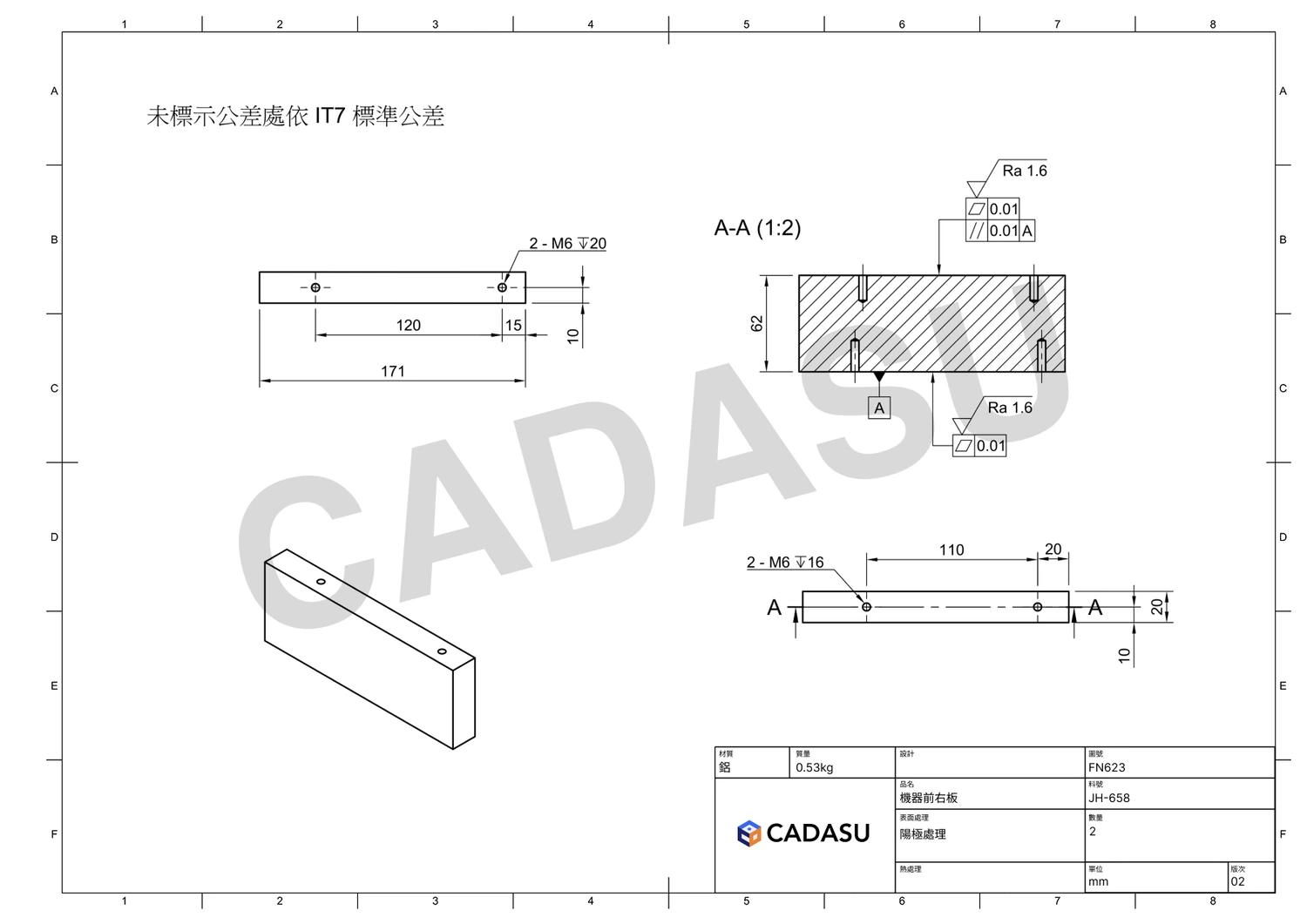
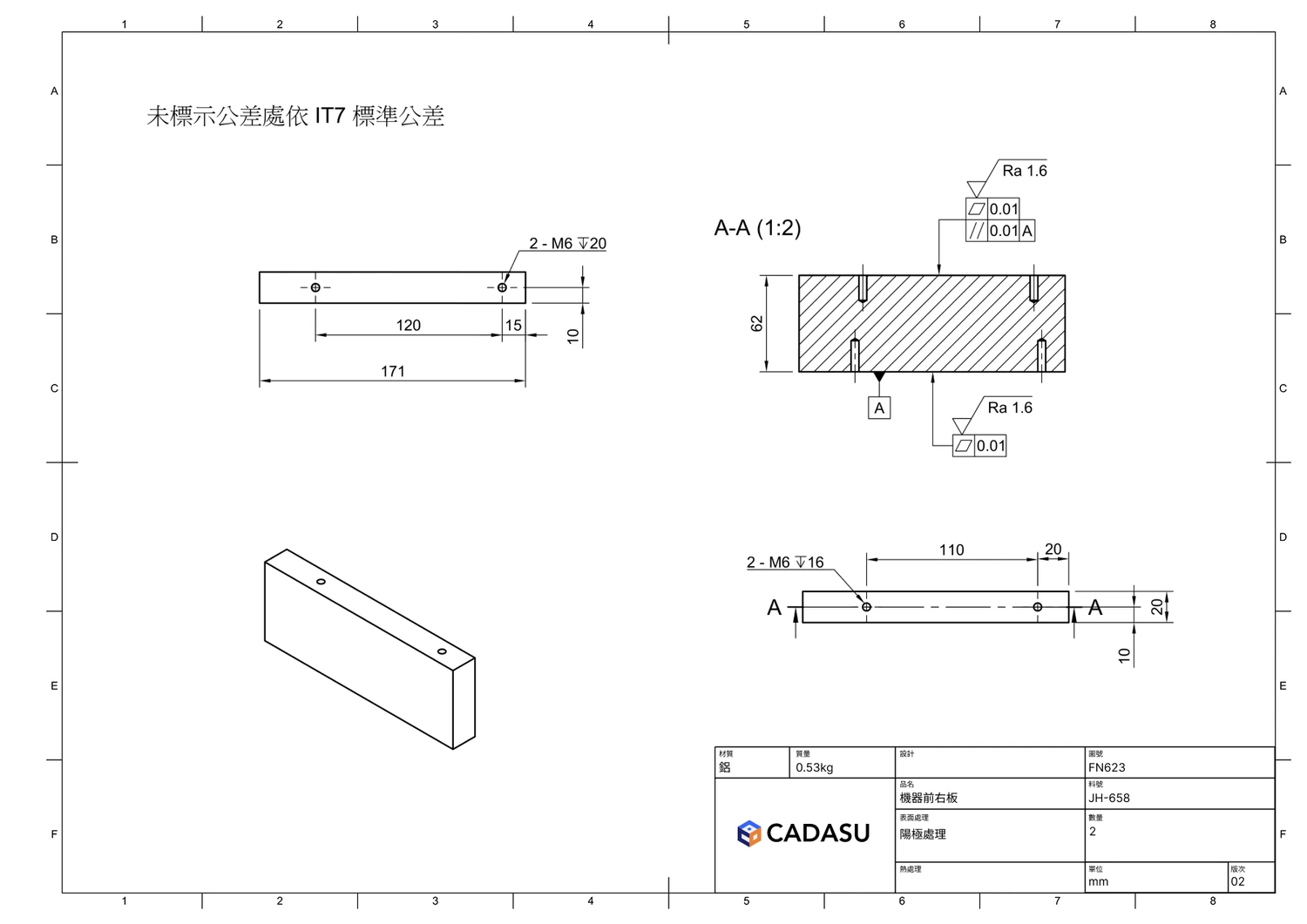
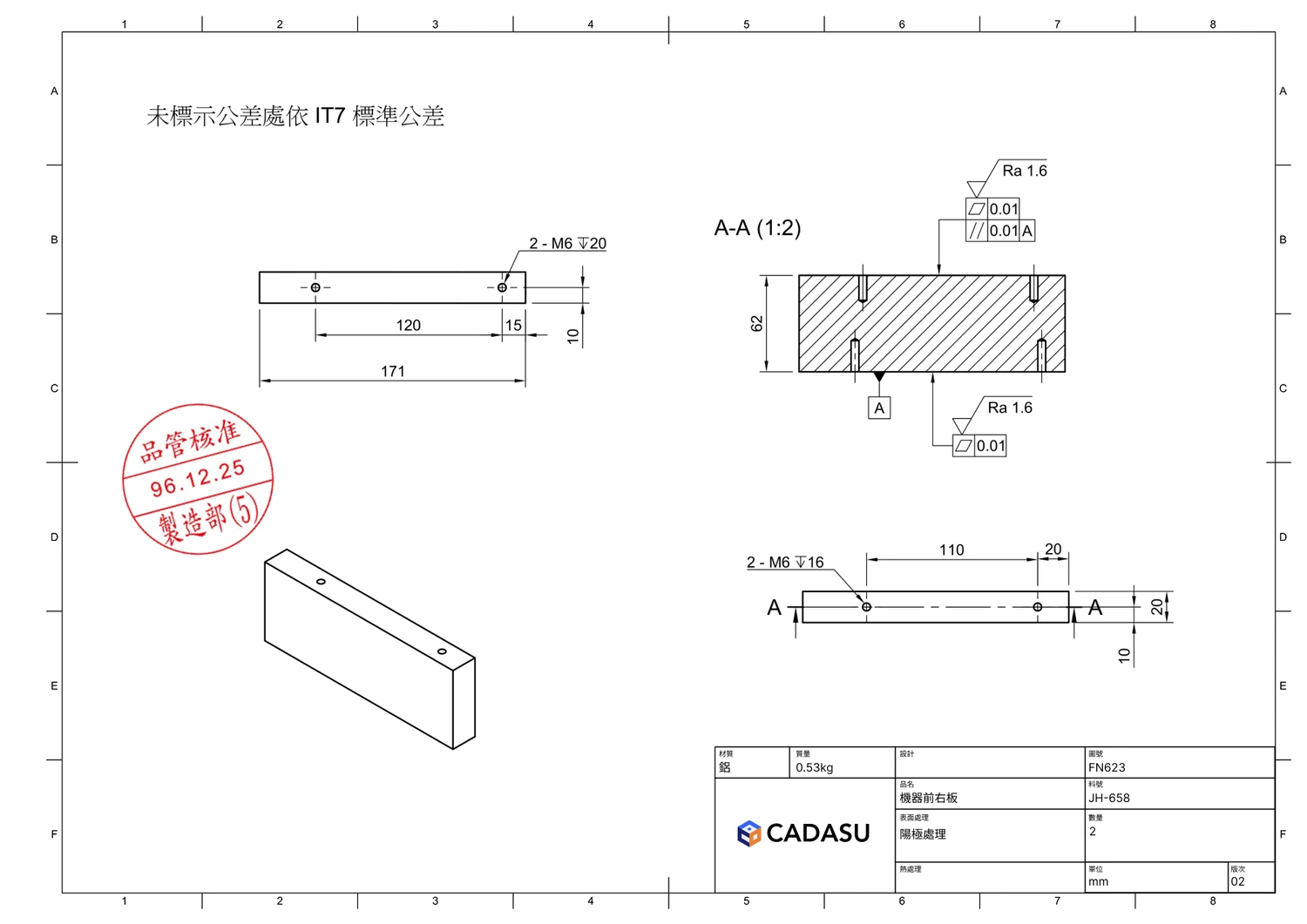
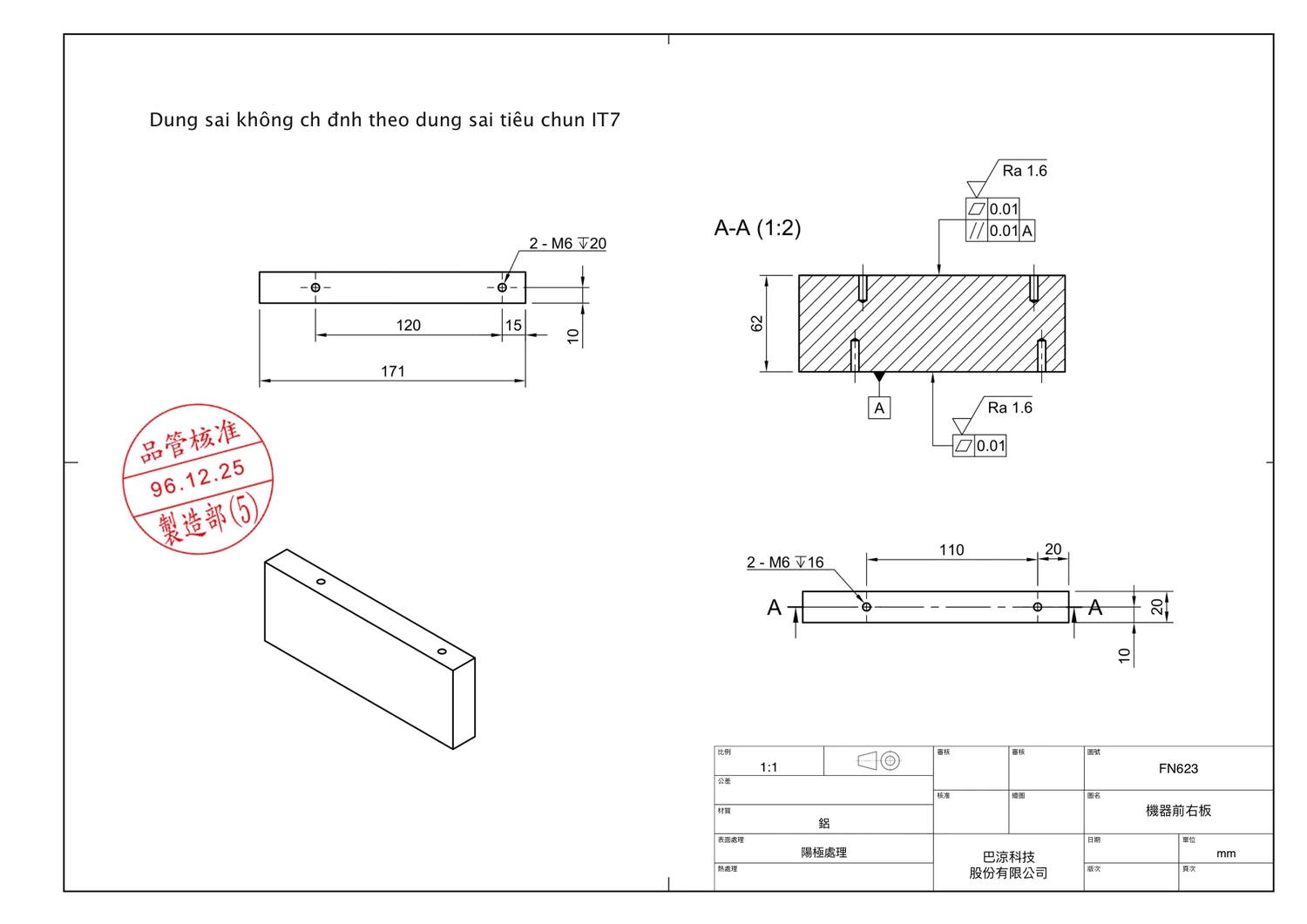
Title blocks, translation, stamps and unit conversion, all handled for you
Replace the title block, translate the notes into the language your floor reads, convert to the units they use, the shop drawing is done in one click!
Supported formatsDWG · DXF · PDF · PNG · JPG · TIFF → output PDF · PNG
05 / When an order comes in
Keyed straight into your ERP, CRM or anything else
Drawings, quotations, orders, whatever document comes in, it gets keyed into your ERP, CRM or whatever else you run.
- No integration required
- Works with any vendor's system
- Web apps and desktop apps alike
Supported formatsPDF · XLSX · DOCX · CSV · EML · PNG · JPG
Sure, Opening the ERP nowand creating the record.
06 / When someone on the floor asks
Drawings, SOPs and shop-floor standards, searched and read for you.
No more hunting through folders, and no more depending on one senior colleague's memory. Just ask,and the knowledge stays in the company!
Supported formatsPDF · DOCX · XLSX · PPTX · TXT · DWG · DXF · PNG · JPG
6061-T6 has one extra rule: after etching, desmut in 30% nitric acid for 1–3 minutes to remove the silicon precipitates. No more than 10 minutes may pass between pre-treatment and the anodising tank, or the surface re-oxidises.
Anodising itself follows MIL-A-8625 Type II; where the drawing gives no thickness,use 10 μm. Bath at 20±2 °C, current density 1.5 A/dm², then seal in DI water above 95 °C for at least 15 minutes.
3.2 Pre-treatment for anodising
3.2.1parts must be fully deburred, All sharp edges shall be chamfered 0.2–0.3 mm with no burrs remaining。
3.2.2No cutting oil, fingerprints or oxide may remain. After degreasing, rinse with DI water until outflow conductivity is below 20 μS/cm.
3.2.3For 6061-T6, desmut in 30% nitric acid for 1–3 minutes after etching to remove silicon precipitates.
3.2.4Rack contact points shall be on non-cosmetic faces with enough pressure to keep contact; keep them consistent across a batch.
3.2.5No more than 10 minutes between pre-treatment and the anodising tank, to avoid re-oxidation.
3.3 Anodising parameters
3.3.1Sulphuric acid 180±20 g/L, bath held at 20±2 °C; too warm and the coating turns porous.
3.3.2Current density 1.5 A/dm²; allow roughly 3 minutes per 1 μm of thickness.
3.3.3Type II coating thickness 5–25 μm. Where the drawing does not specify, use 10 μm.
3.3.4Seal in DI water above 95 °C for at least 15 minutes; unsealed parts shall not ship.